Linux Mint

My personal Linux Mint desktop screen
What is Linux? #
Linus Torvalds created Linux in 1991 and it is programmed using the C programming language alongside Assembly and Rust. Linux itself is not an operating system, but the kernel, the core engine that acts as the bridge between the computer’s hardware and software.
To make a usable operating system, developers pair the Linux kernel with system tools (mostly from the GNU project), a graphical desktop environment (like Cinnamon, GNOME, or KDE), and software applications. That complete packaged bundle is what is called a distribution, or distro.
Linux Distributions #
How many distros? #
There are currently over 600 active Linux distributions in existence, with thousands more having been created and retired over the last three decades. Anyone with technical know-how can take the open-source kernel and build a custom operating system around it.
The Main Linux Distro Families #
Despite the hundreds of options, almost the entire Linux ecosystem traces back to a handful of core parent families:
- The Debian Family
- Debian: One of the oldest independent distros, known for rock-solid stability and strict commitment to free software.
- Ubuntu: Based on Debian. Launched in 2004, it became the distro that brought Linux to mainstream desktop users.
- Linux Mint: Based primarily on Ubuntu (with a Debian-based edition available). Focuses on desktop usability.
- The Red Hat / Fedora Family
- Fedora: Sponsored by Red Hat, Fedora serves as the testbed for cutting-edge desktop technologies.
- Red Hat Enterprise Linux (RHEL): The commercial heavy hitter used by corporations, banks, and data centres worldwide.
- Independent Mainstay Distros
- Arch Linux: A minimalist, “build-it-yourself” distro. It follows a rolling-release model, always updating continuously rather than major version jumps.
- openSUSE: A long-standing European staple, widely respected for its robust system configuration tools (YaST) and enterprise options.
- Slackware: The oldest surviving distribution (launched in 1993), maintained for purists who prefer Unix-like simplicity and manual setup.
Linux Mint #
Back in 2004 I noticed some Linux magazines on the shelves at my local newsagent. Titles like Linux Format and Linux Magazine started to appear. Curious, I decided to try out the free Linux LiveCDs that were on offer.
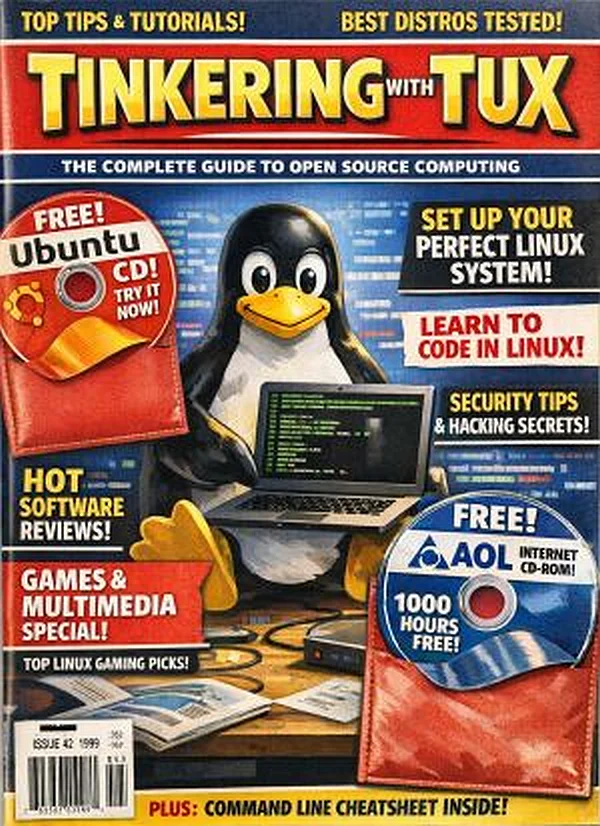
Generic Linux magazine created with AI
Over the years I tried many Linux distros, moving away from dual-booting and giving an old laptop new life by installing a Linux distro exclusively on it. Not for me running operating systems in the VirtualBox environment, may as well go the whole hog. This was a tinkerer’s dream: because the laptop was not my main working computer, it didn’t matter how many times I broke things (and break things I often did). Then one day I installed Linux Mint on the laptop and ran it for a few months. I was so impressed with it.
I retired a few years ago, so I started writing and creating blogs. As the years went by, I noticed that Microsoft Windows was getting so bloated and I did not like Windows 10. I had a new laptop that was running Windows 10, so I decided to install Linux Mint on my main PC - and I’ve been running Linux Mint as my main driver for four years now.
Every program that I needed to run on Windows I can now run the alternatives on Linux Mint. The Windows 11 laptop has to be switched on once a week so that it can get the updates, that’s the only time it is powered up.
Linux Mint Videos #
Even if you don’t intend to install Linux Mint any time soon, have a look at these instructional videos. They will give you an idea of just how flexible and easy to use Linux Mint is. OK, it may not replace all the Windows apps that you must have, but there’s no harm in installing Linux Mint on an old laptop, or to try it out on the LiveUSB.
How to install Linux Mint
12 Things to Do After Installing Linux Mint
Video created by Love Linux Mint
7 hidden Linux Mint features
Video created by Love Linux Mint
7 more hidden Linux Mint features
Video created by Love Linux Mint